Best Seller Icon Bestseller

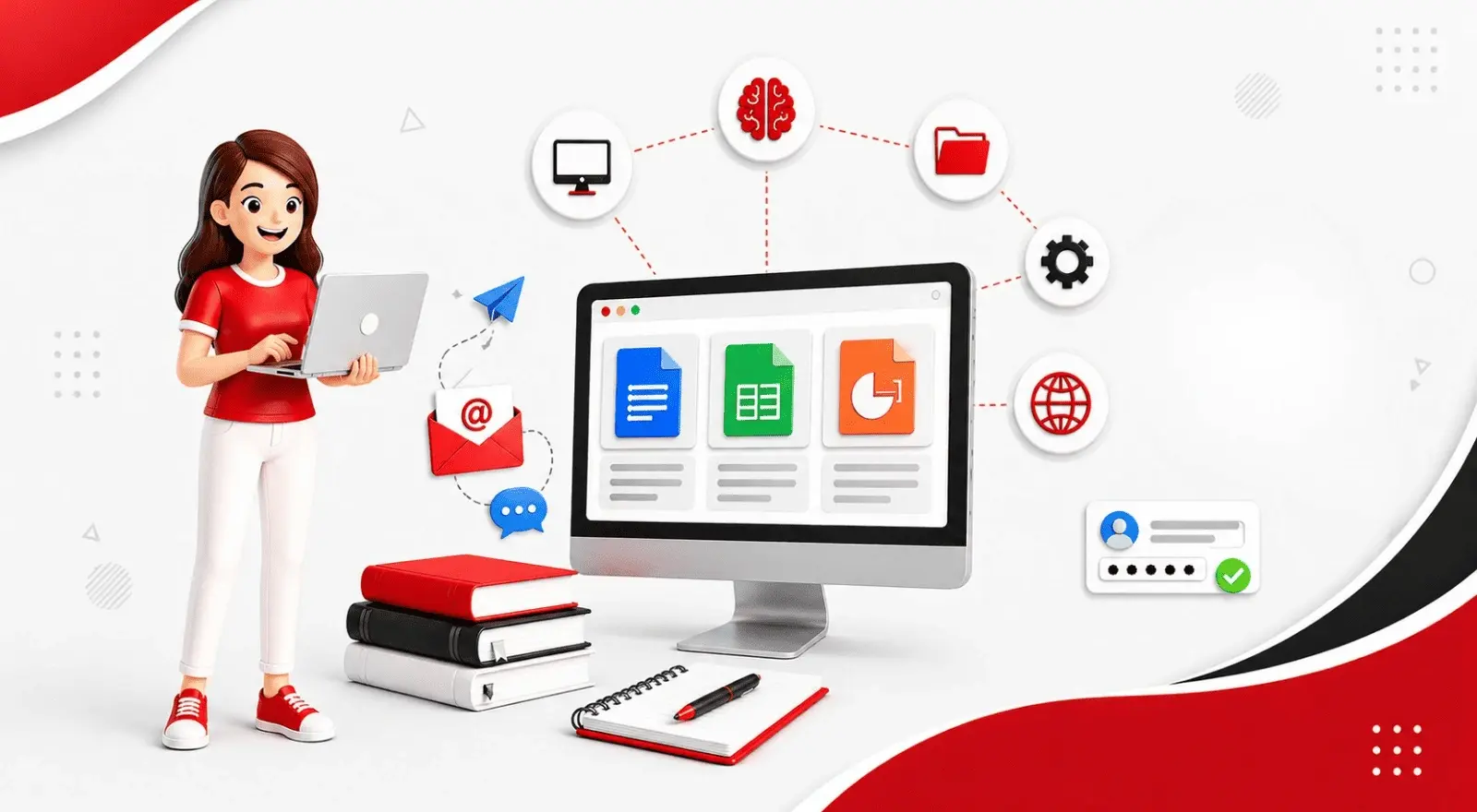
CERTIFICATE Become Computer Literate with a Government-Recognised CCC Certification Build practical computer skills through hands-on training in computer basics, MS Office, internet applications, AI tools, and digital payment systems. CCC(S-CC-5551)

  • Last updated Aug, 2026
  • Certified Course
₹2,500 ₹3,500

Course Includes

  • Duration3 Months
  • Enrolled0
  • Lectures75
  • Videos0
  • Notes0
  • CertificateYes

What you'll learn

Course on Computer Concepts (CCC) at SEWS COMPUTER EDUCATION


Practical Computer Skills for Today's Digital World: In today's digital world, basic computer skills are no longer optional—they are essential for education, employment, government exams, and everyday life.Our Course on Computer Concepts (CCC) at SEWS COMPUTER EDUCATION ABHISHEK COMPLEX INFRONT OF UTSAV MOTEL WAZIDPUR JAUNPUR (U.P) equips learners with practical computer knowledge, confidence in using essential software, and the ability to navigate the internet and digital services independently.


Learning Beyond Just a Certificate: This is exactly the gap most institutes leave open.They rush through the syllabus just to hand out a certificate, without making sure that students can actually apply what they have learned. SEWS program is different. Every module is taught through real hands-on practice—from typing your first document to creating spreadsheets and presentations, and even understanding how modern AI tools like ChatGPT can be used in everyday computer tasks.


Beginner-Friendly & Practical Learning: If you're looking for an institute that combines simple, beginner-friendly teaching with a nationally recognized certificate, this course is built exactly for that purpose.

Show More

Course Syllabus

Computer Component & Fundamental


IT/Digital Era - Entering into Computer World Keep your Data (Storage Device)

  • Computer Definition & Features
  • Application of computer
  • How to start Computer
  • login screen - user & Password
  • Desktop- Taskbar, Wallpaper, Icons
  • How to start paint, some basic tools

Operating System


  • Computer Architecture Diagram
  • Father of computer
  • Devices of computer: Input, output & processing Memory Unit(MU)
  • Primary memory, Secondary memory
  • Unit of measurements
  • Hardware & Software
  • File & folder

Windows


Find your Space in Computer (File & Folder)

  • Window explorer , File & folder

Searching : Find your File/Folder Wild Cards

  • Extensions of program
  • Wild card Asterisk(*), Question mark(?)
  • Searching for file and folder

Computer Component & Fundamental


Operating System


Windows


MS-Word With Google Docs


1.Start your Career - CV/Resume Creation

  • Definition, Feature
  • How to start Ms Word
  • File, font group

2.Beautifying your CV/Resume (Formatting)

  • Quick Access Tool Bar
  • Paragraph Group, Clipboard group, Editing group

3.Letterhead - Show case of Your Company

  • Insert tab: Header & footer group
  • Date & Time, Symbol Picture
  • Home tab: change Case, Border & Shading

4.News Paper & Magazine Creation (Column)

  • Page layout tab: columns, column break
  • Insert tab: Drop cap, Book cover
  • file:Auto correct
  • Review tab: Word Count, Spell Check, Thesaurus

5.Create your Own Book

  • Refrence tab: Insert endnotes, Insert footnotes, table of content
  • watermark, Hyphenation

6.Links and Security

  • Refrence tab: Insert caption, index entry,
  • Links: Booksmarks, Hyperlink, cross Reference
  • Review tab: Track changes, Protect document

7.Connect your Customer (Bulk Mailing)

  • Mail Merge , Main document & Data source

8.Connect your selected customer(Record filtration)

  • Sorting of Record
  • Filter of Record
  • Lables
  • Envelope

9.Mark sheet Creation (Tabular format data )

  • Insert table, Draw table
  • Layout tab
  • Design tab

10.Document is ready to print/Record your actions

  • Page setup
  • Print preview
  • Print
  • Macro

Computer Component & Fundamental


Operating System


Windows


MS-Word With Google Docs


MS-Excel With Google Sheet


1.World of Row and Column - First interaction with excel

  • Introduction of excel, Workbook, Worksheet, Row, Column, Cell, type of entries
  • Home tab: Cell group, Font group, Alignment

2.Invoice / Bill of Supply

  • Type of Reference : Absolute, Relative
  • Basic formulas
  • Sum, Product, Minus, Quotient, Mod, Percentage)

3.Result Declared (Automatic Calculation)

  • Function

4.Secure your Data/ Lock your data/ Restrict editing

  • Styles group : Format as table, Conditional Formatting, Cell styles
  • Protection: Track Changes, Protection

5.Data Analysing Tool (Expense Limit & Comparision)

  • What if Analysis: Goal seek, Scenario, Data table

6.Pictorial Representation of Data (Chart Magic)

  • Pictorial Represntation of data
  • Chart, type of chart, formatting of charts

7.Organize your Data (Easier to Analyze)

  • Data validation, Data filtration, sort, subtotal

8.Analyzing Complex Data (Pivot Table)

  • Logical function: if and, if or
  • Pivot table, Pivot chart, Paste special

9.Lookup & Reference , Extract Your Data

  • Lookup functions : lookup, vlookup, hlookup
  • match, index

10.Data is ready to Print /Page Setup

  • Page setup
  • Print preview

MS-Powerpoint With Google Slides


1.Welcome to Presentation World

  • PowerPoint - Definition feature, purpose ,view of slides
  • Home tab-slide group

2.Beautifying presentation (Formatting of presentation)

  • Font & Alignment Group
  • Inset tab - Illustration group
  • Themes & Background

3.Masters of Slide/ Slide Automation

  • Masters
  • Animation(triggers
  • Transition
  • Hyperlink, Actions
  • Slide background

4.Its presentation time now

  • Slide show tab - From beginnng, from current slide, Custom slide show,setup slide, Hide slide, Record narratio, Rehearse timing, slide show
  • Inset tab- photo album

5.Advance feature of Presentation

  • Running Clock, Moving Car, Making Picture, Bouncing Ball

Internet & ChatGPT/AI


1.World of Internet 

  • Internet introduction & Benefit
  • Computer Network: LAN, WAN, MAN
  • Services of internet
  • Search engine, Web browser

2.Online Communication

  • Inbox , Reply, Forward, composing, Attachments of file,
  • Change password(setting of E-mails) , Facebook account handling, 
  • Facebook page creation

3.Downloads/Booking

  • Ticket Reservation & Booking, Online shopping, Online Bill payment, Book movie ticket
  • Download: Image, font style, app, pdf, song, movie

4.Digital India

  • Cash less society
  • E-wallets, UPI, Plastic money, USSD, Net Banking


Eligibility

Who can apply for this course

MINIMUM 10TH PASSOUT

Course Fees

Course Fees
:
₹3500/-
Discounted Fees
:
₹ 2500/-
Course Duration
:
3 Months

Review

0.0
Course Rating (0 reviews)
0%
0%
0%
0%
0%


Call
Text Message
Review
Email
CHAT